Answers · guide reviewed 2026-09-16 · updated 2026-09-17
Do solar and battery security cameras work in cold weather?
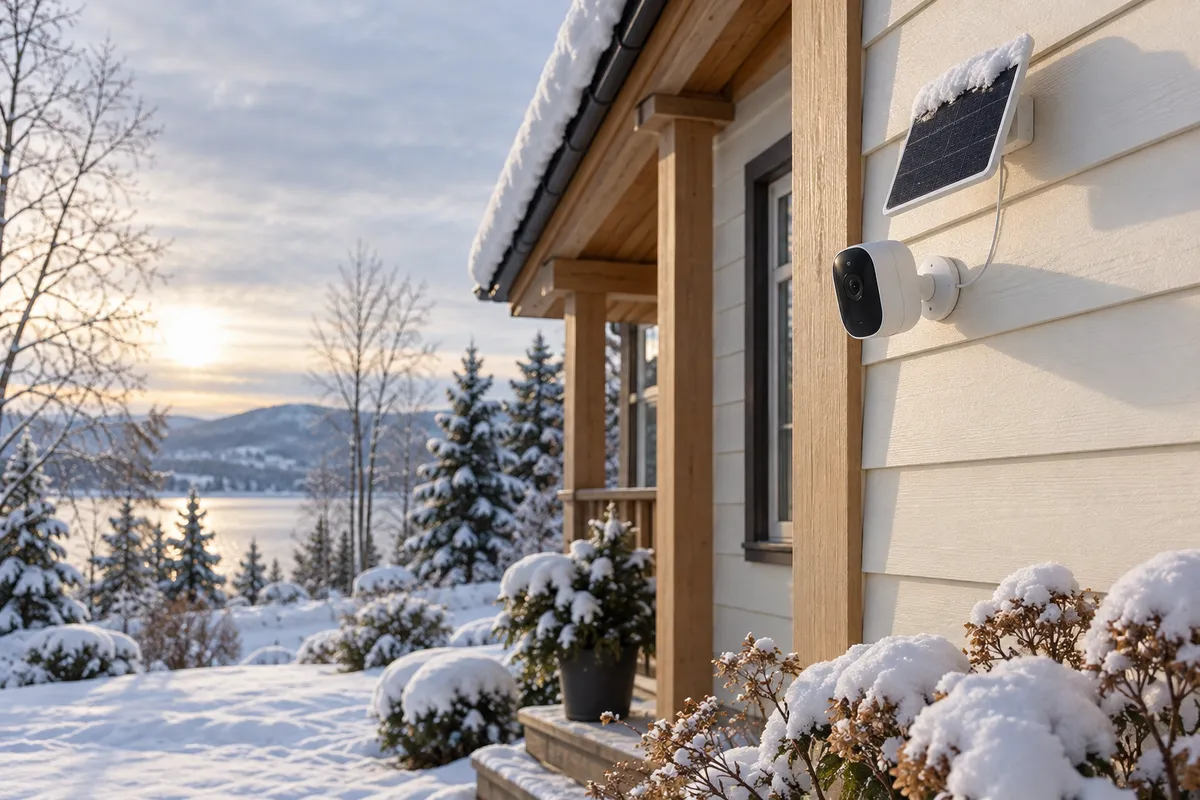
Lithium camera batteries stop charging at 0 °C (32 °F): Ring says its battery devices pause charging below freezing, and Reolink lists 0 °C to 45 °C for its solar panels. Operating is a separate limit; Aqara rates the G100 to −10 °C and the G5 Pro to −30 °C. So our planner halves a maker's rated battery life for a cold position: the Wyze Solar Cam Pan 2K's 180-day claim becomes 90 planning days. Shorter days, shade, snow and camera activity shrink the budget further, so plan maintenance access or a wired position for the view you cannot afford to lose.
By the How Many Cameras editorial team · Manufacturer specifications and planning estimates; not hands-on product tests.
Read three limits, not one winter rating
| Check | What it describes | What it does not establish |
|---|---|---|
| Camera operating temperature | The manufacturer's specified environment for the device | How long its battery lasts, or whether it charges at that temperature |
| Battery charging temperature | The conditions in which charging is allowed | That the panel receives enough sunlight to replenish daily use |
| Weather rating and installation | The specified protection and permitted mounting arrangement | That every adapter, cable joint or indoor hub can be exposed outdoors |
Use the lowest temperatures expected at the actual installation, not a national label such as “Canada-ready.” A sheltered porch, an exposed garage wall and an unheated outbuilding can create different conditions for the equipment around a camera.
Rated battery life and what we plan on in winter
Makers publish an “up to” runtime measured at their own event rate. Our planner keeps that figure for mild weather and applies a 50% derate when you mark a position as cold, because lithium cells lose capacity and stop charging near freezing. The derate is a planning illustration from our methodology, not a measurement of any product in the cold.
| Model | Maker's claim | Cold-weather planning days | Power | Records without a plan |
|---|---|---|---|---|
| Reolink Argus MagiCam | up to 9 months on AA lithium batteries | 135 | Rechargeable battery | Yes |
| TP-Link Tapo C425 KIT | 300 days at 230 s of use a day; 180 days at 360 s | 150 | Solar + battery | Yes |
| Wyze Solar Cam Pan 2K | up to 6 months if the panel isn't charging | 90 | Solar + battery | Yes |
| TP-Link Tapo C460 | 200 days at 270 s of use a day | 100 | Rechargeable battery | Yes |
| eufy Solar Wall Light Cam S120 | 2 h of sunlight a day keeps it powered; 8 GB holds about 2 months of events | 30 | Solar + battery | Yes |
| SwitchBot Outdoor Spotlight Cam 2K | up to 180 days; 1 h of sun a week with the solar panel | 90 | Rechargeable battery | Yes |
| Reolink Solar Floodlight Cam | 3 months | 45 | Solar + battery | Yes |
| eufy SoloCam S340 | 3 months standalone; 2 h of direct sun a day keeps it charged | 45 | Solar + battery | Yes |
| Reolink Altas PT Ultra | up to 500 days in PIR mode; 5 h of sun a day with Solar Panel 2 for continuous recording | 250 | Rechargeable battery | Yes |
| Blink Outdoor 2K+ | up to 2 years on 2 AA lithium batteries | 365 | Rechargeable battery | No, plan needed |
Compare wired options for the critical viewCompare solar cameras for the rest
Examples show why the exact model matters
Aqara lists the G100 operating range as −10°C to 40°C. Its G5 Pro specifications list −30°C to 50°C. Those are manufacturer limits, not our cold-chamber tests. They also illustrate why one brand's outdoor label cannot be applied to every model.
Reolink's solar charging guidance lists 0°C to 45°C for the panel combinations covered by that page. Ring's temperature guidance explains that its battery devices stop charging below freezing. These are specific manufacturer statements; check your model rather than assuming one threshold for all batteries.
Winter sun is a placement problem too
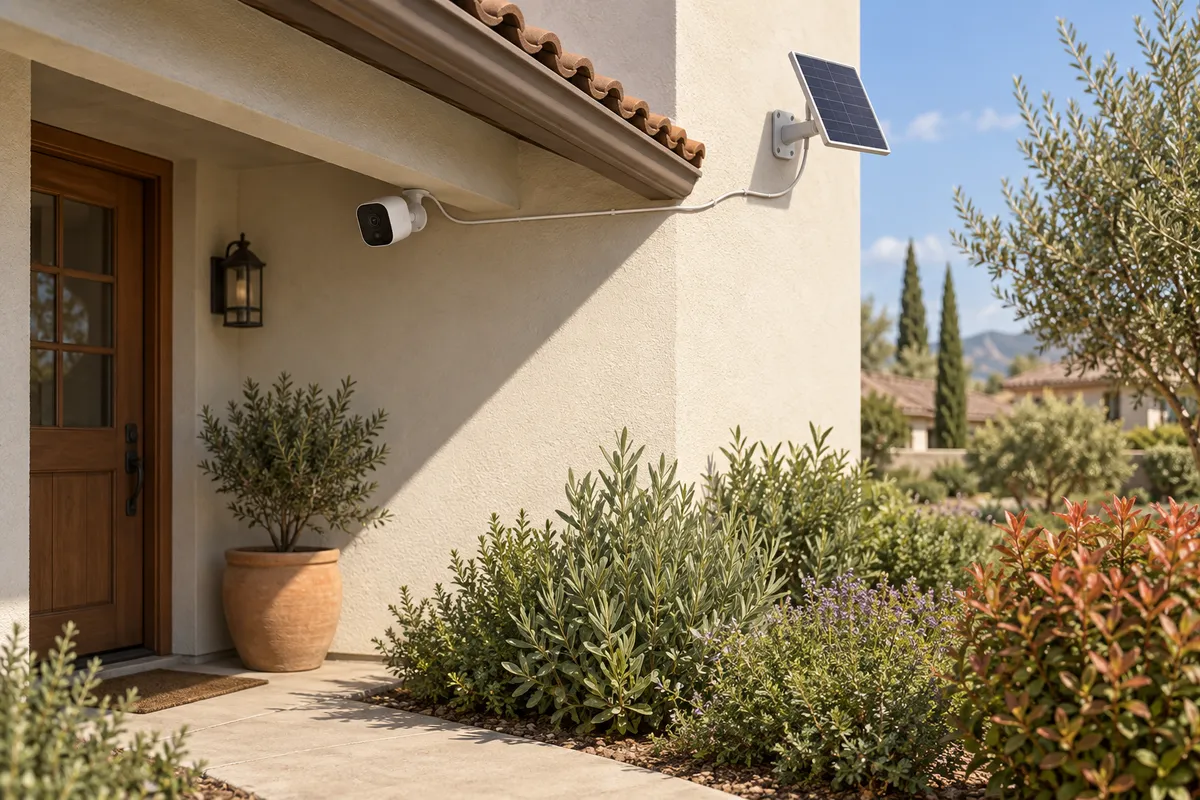
Inspect the panel's view of the sky through the shorter winter day. Avoid assuming that a snow-sheltered position is also sunny: an eave may protect a panel while shading it. A separate panel can offer more placement flexibility when the camera's own mount is shaded, but only with compatible hardware and the permitted cable arrangement.
Keep the lens and panel clear as the manufacturer directs, using a location you can maintain safely. Consider falling snow from the roof, ice near connections and how you will access a depleted battery. A sunny-day installation check cannot establish performance through several cold, overcast days.
Use a battery trend instead of a universal runtime table
A manufacturer's “up to” duration is based on defined use. Your event frequency, clip settings, lighting and live viewing can be different. Applying one cold-weather multiplier to every product may produce a planning illustration, but it does not measure how many days a particular camera will run at your house.
After installation, check the charge trend under typical activity and poorer weather. Record whether the panel is charging, whether charge recovers during the day and whether the device remains available overnight. A steady decline is a reason to adjust the installation or plan maintenance; it is not proof that the battery has failed.
Keep the recording and network indoors when required
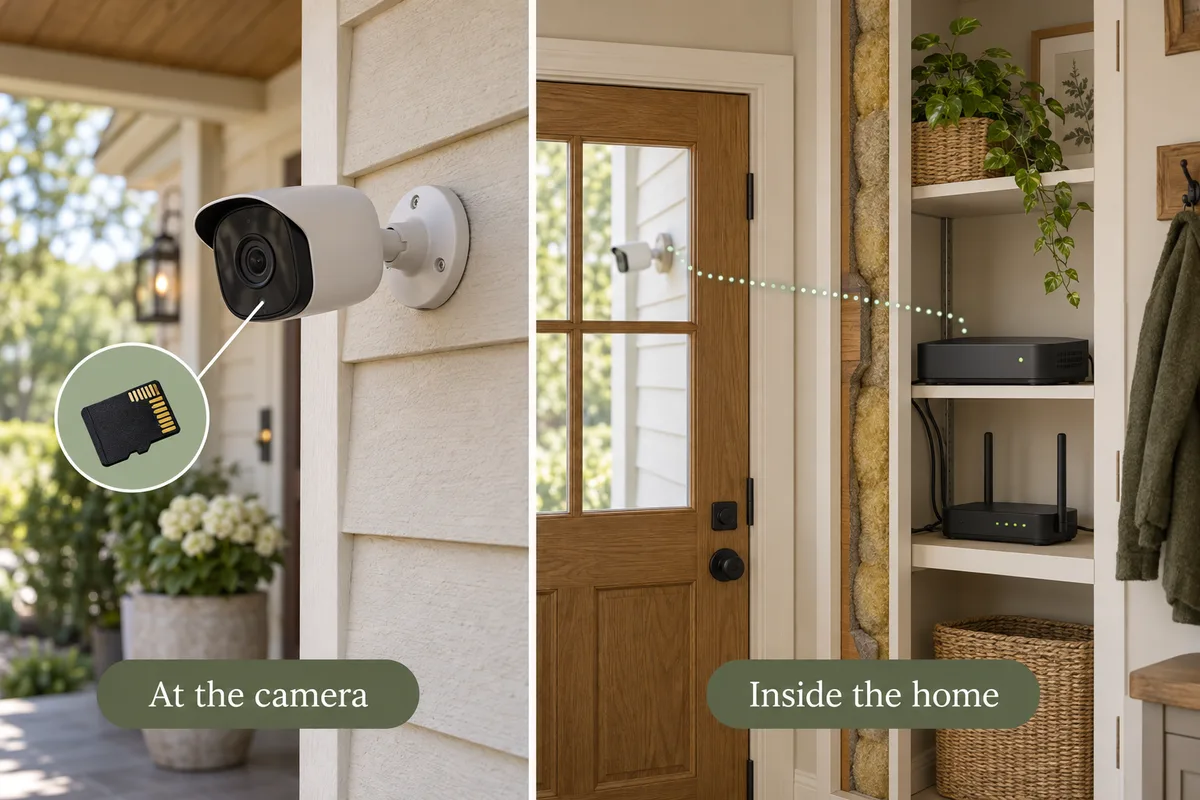
An indoor hub, router or recorder can have different environmental requirements from an outdoor camera. An unheated garage is not automatically an acceptable indoor equipment location. The garage Wi-Fi guide helps you plan the connection without moving unsuitable networking hardware into the cold.
Think through a power outage separately. A charged camera battery does not keep the router and recorder powered. Likewise, a wired camera stops when its required power source stops unless the installation provides appropriate backup. Test the actual recording and alert behavior of the complete system.
Choose the critical view first
For an entrance you cannot easily revisit to recharge, compare a model with an operating rating suitable for the location and a practical continuous power arrangement. Wired power reduces one battery-maintenance task; it does not remove temperature, weatherproofing or outage requirements.
Then decide whether less critical locations suit a solar-assisted setup. If you need a HomeKit outdoor camera, verify its environmental limits as well as its integration. One successful compatibility check does not satisfy the other.
Before the first cold spell
- Record each device's operating and charging ranges from its current manual.
- Check that power connections and indoor equipment are installed in suitable locations.
- Review winter panel exposure and maintenance access.
- Test a saved night recording, notification and clip export.
- Choose what you will do if solar charging pauses or the battery trend keeps declining.
Related questions
Can a solar panel charge a camera below freezing?
Check the exact device. Some manufacturers prohibit or stop charging below their specified temperature even when the panel is illuminated. More sunlight does not override that limit.
Does a camera operating at −20°C also charge there?
Not necessarily. Operating and charging ranges describe different functions and must be checked separately.
Should the solar panel go under an eave?
Only if the manufacturer permits the installation and the panel still gets suitable light. An eave can create shade, so do not use it as a universal winter placement rule.
Are wired cameras always reliable in Canadian winters?
No. The exact camera, connections and power equipment must suit the temperatures and installation. Wired power removes routine camera-battery charging, not every winter or outage risk.
MAKE IT FIT YOUR HOME
Choose your next step
Use the conditions from this guide as a starting point. Your current list stays in place while you compare.
CHOOSE DEVICES
A wired starting point for winter
Compare wired options, then check the exact model’s operating range and outdoor connections.
Compare in My list → Plan positions firstCHOOSE DEVICES
I want solar-assisted cameras
Choose a quantity and compare verified camera variants with an included solar panel.
Compare in My list → Plan positions firstChoose a bundle or individual devices, then add them to My list for compatibility checks and store links. A selected quantity is not a guarantee of coverage.
Sources & checks
- Ring: operating and charging behavior in temperature extremes
- Reolink: supported panel charging conditions
- Aqara G100: operating specifications
- Aqara G5 Pro: operating specifications
Guide checked 2026-09-16. Product prices and specifications have their own checked dates on each model page.