Answers · guide reviewed 2026-09-29
Which solar security camera is best for your home?
12 cameras in our catalog ship with a verified solar panel, but solar power does not establish subscription-free recording. The cheapest listed are the TP-Link Tapo C425 KIT ($69.99), Wyze Solar Cam Pan 2K ($79.98) and eufy Solar Wall Light Cam S120 ($99.99). Makers state the sun they need in their own words: eufy SoloCam S340, “2 h of direct sun a day keeps it charged”; Reolink Altas PT Ultra, “5 h of sun a day with Solar Panel 2 for continuous recording”. Check direct sunlight at the panel, seasonal shade and the recording mode you need; solar reduces recharging, it does not guarantee continuous recording.
By the How Many Cameras editorial team · Manufacturer specifications and planning estimates; not hands-on product tests.
Solar cameras in our catalog, by 3-year cost
Only models whose included solar panel and mounting arrangement we have verified against the maker's page appear here. The battery claim is the maker's figure under its own test conditions. Prices are recorded US list prices with a checked date; the 3-year column includes the recorded recording-plan fee where required. It excludes unlisted cards, hubs and installation. In particular, the Ring Outdoor Cam Plus needs a paid plan to save video.
| Model | Maker's battery claim | Local storage | Lens · resolution | Price | 3-year cost |
|---|---|---|---|---|---|
| TP-Link Tapo C425 KIT | 300 days at 230 s of use a day; 180 days at 360 s | microSD up to 512 GB or Tapo H200 hub | 122° · 2K | $69.99 | $70 |
| Wyze Solar Cam Pan 2K | up to 6 months if the panel isn't charging | microSD up to 512 GB | 108° · 2K | $79.98 | $80 |
| eufy Solar Wall Light Cam S120 | 2 h of sunlight a day keeps it powered; 8 GB holds about 2 months of events | 8 GB built in | Not published | $99.99 | $100 |
| eufy SoloCam E42 | Not published | microSD up to 128 GB; HomeBase optional | 130° · 4K | $119.99 | $120 |
| Reolink Solar Floodlight Cam | 3 months | microSD up to 512 GB | 124.5° · 2K | $128.99 | $129 |
| eufy eufyCam C37 4K | Not published | microSD up to 256 GB; HomeBase optional | 135° · 4K | $129.99 | $130 |
| Reolink Argus Eco Ultra | Not published | microSD up to 512 GB; Home Hub optional | 105° · 4K | $139.99 | $140 |
| Reolink Argus 4 Pro | Not published | microSD up to 512 GB; Home Hub optional | 180° · 4K | $179.99 | $180 |
| eufy SoloCam S340 | 3 months standalone; 2 h of direct sun a day keeps it charged | 8 GB built in; HomeBase S380 optional | 135° · 3K | $199.99 | $200 |
| eufy Wall Light Cam S4 | about 2 months without solar | Storage not verified | Not published | $249.99 | $250 |
| Ring Outdoor Cam Plus | Not published | Cloud plan required for recording | 140° · 2K | Not published | |
| TP-Link Tapo C425 KIT V2 | Not published | Up to 512 GB; card sold separately. H500 connection supported for C425 V1/V2. | Not published | Not published |
Compare 2 solar cameras in My listPlan positions with solar selectedAll solar cameras
Check the exact recording conditions and open a 3/5-year Planner comparison.
Two documented starting points
This is a requirements-based comparison, not a hands-on ranking. The useful choice depends on the view you need, the storage you want and the sunlight available. These models are already represented in our catalog, so you can continue to exact specifications and regional offers.
| Model | Reason to consider it | Condition to verify |
|---|---|---|
| eufy SoloCam S340 | A moving camera view with built-in local storage and a removable solar panel. | The manufacturer's FAQ says this model does not support 24/7 recording. Confirm whether its event recording and moving view fit your priority area. |
| Reolink Argus 4 Pro | A wide dual-lens view with microSD recording and optional compatible hub storage. | Check the exact camera-plus-panel package, storage purchase and the detail you need across the wide view. |
The S340 page documents its panel and recording limit; the Argus 4 Pro page lists Solar Panel 2 support and local storage. Check each product page's actual selected package. A photo containing a panel is not a substitute for the package contents, and a compatible hub is not necessarily included.
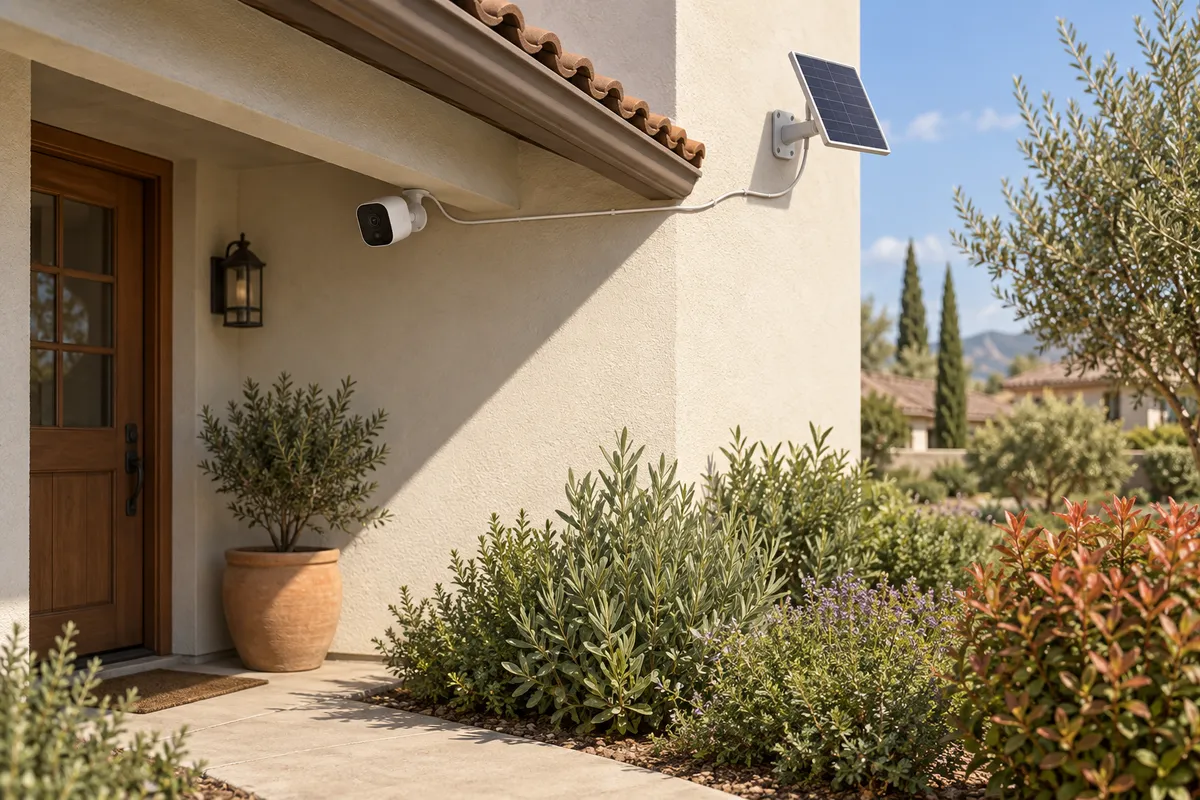
Find the camera view and panel position separately
The best camera angle may be shaded. A separate panel can sometimes reach a sunnier spot while the camera keeps the required view, provided the manufacturer's mount, connector and cable arrangement support it. Do not move the camera away from an important entrance solely to put its panel in sunshine.
Before buying, look at the proposed panel location at several times of day. Note trees, roof overhangs, neighboring buildings and anything that will change seasonally. A bright-looking wall can spend most of the useful charging period in shade.
Read charging claims with their conditions
A manufacturer's minimum-sunlight claim uses particular test conditions. Your event count, clip length, live viewing, lighting, temperature and available light can differ. Treat the claim as a specification to investigate, not a guarantee that the battery will stay full at your home.
Panel wattage is also not a daily-energy promise. The amount collected changes with exposure and conditions. Use the model's compatible panel and installation guidance rather than selecting a larger third-party panel solely by the number printed on it.
Check the recording mode before expecting 24/7
Separate three claims: a camera available around the clock, event recording at any time, and continuous video covering the whole timeline. They are different capabilities. A solar accessory does not itself add a recording mode that the camera lacks.
For a busy driveway where the full timeline is essential, compare the wired and plug-in options too. For a quiet side gate where event footage is sufficient, a solar-assisted battery camera may be worth testing. Base the choice on the job rather than an absolute rule that all battery products behave alike.
Plan for winter and maintenance
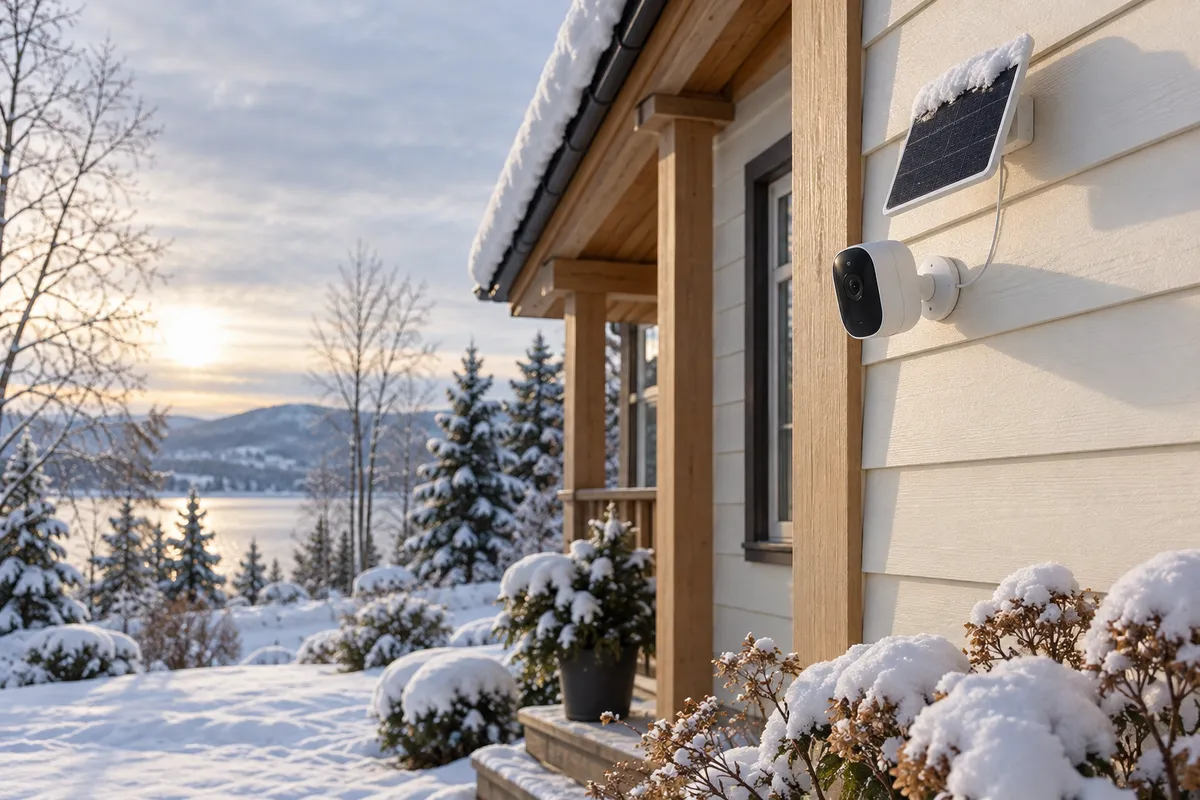
Reolink's panel troubleshooting guidance specifies a charging range of 0°C to 45°C for the panel combinations it lists. That is distinct from a camera's operating temperature. Check the exact model's limits; a sunny freezing day does not automatically mean the battery is charging.
Leave practical access for inspecting the panel, clearing obstructions in the way the manufacturer permits, and recharging if needed. Do not assume placing a panel under an eave solves snow: it may also block the light. Our cold-weather guide separates these constraints.
Compare the complete package
- Exact camera model and hardware version.
- Included or separate compatible solar panel, mount and approved cable.
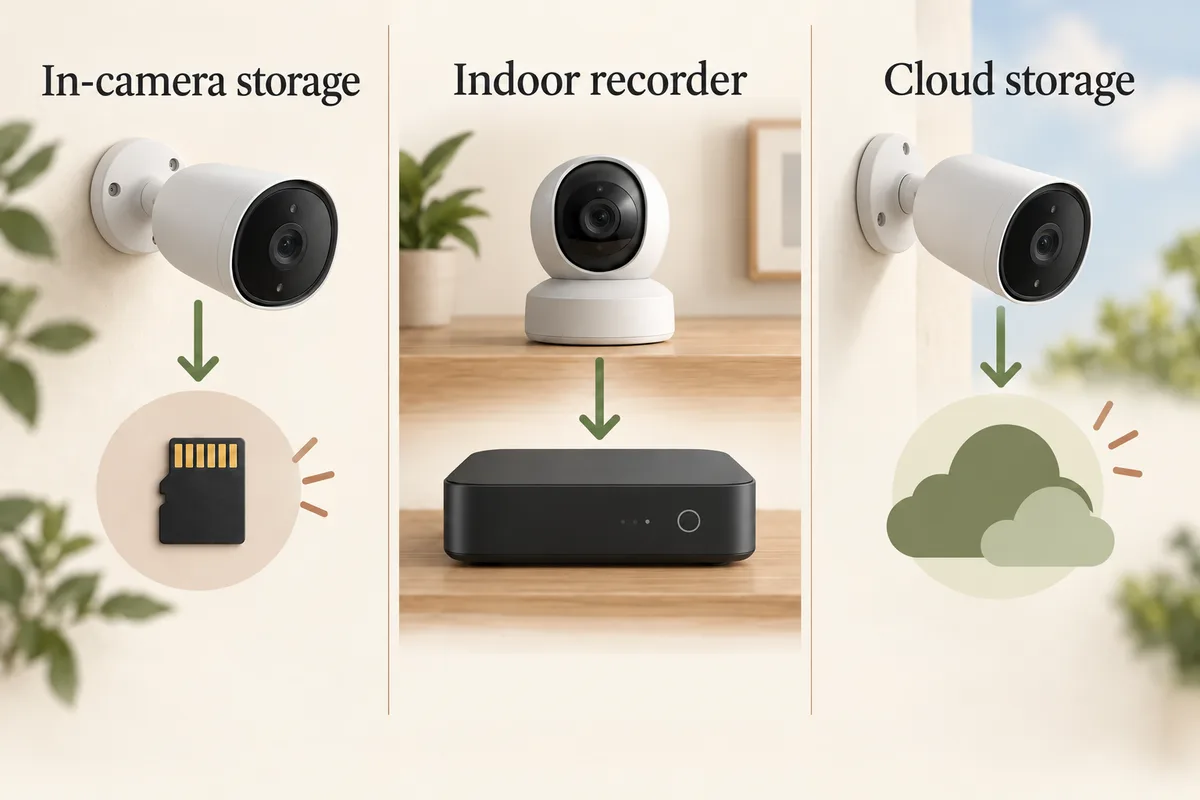
- Local recording hardware and any optional hub.
- Required versus optional subscription features.
- Current local offer and package contents for the US or Canada.
- Access for charging and maintenance if solar input falls short.
Check the battery trend over ordinary days and less favorable weather after installation. If the charge consistently declines, review the panel exposure and actual camera use; do not wait until the only camera covering a priority entrance stops working. A lower-maintenance setup is a useful outcome even when occasional charging remains necessary.
Start with the views your home needs, then open the solar-filtered planner example below. The filter identifies catalog options, not a verified sunlight survey or a promise of year-round charging.
Related questions
Can a solar security camera work without direct sun?
It may run on stored battery energy, but charging depends on the model and available light. Do not assume an indirectly lit or shaded panel replaces its direct-sunlight requirement.
Will a bigger solar panel solve winter charging?
Not necessarily. Shade, temperature limits and camera compatibility can remain the limiting factors. Use the manufacturer-supported panel and verify the exact charging conditions.
Are solar cameras subscription-free?
Only if the selected model supports the recording you need without a paid service. Solar charging does not determine storage fees.
Does solar mean no drilling?
No. The camera and panel both need suitable mounts. Check permission and exact mounting hardware separately from how the device is powered.
MAKE IT FIT YOUR HOME
Choose your next step
Use the conditions from this guide as a starting point. Your current list stays in place while you compare.
CHOOSE DEVICES
I want solar-assisted cameras
Choose a quantity and compare verified camera variants with an included solar panel.
Compare in My list → Plan positions firstCHOOSE DEVICES
I need battery power
Compare battery cameras. Solar is optional; it is not silently added as a requirement.
Compare in My list → Plan positions firstChoose a bundle or individual devices, then add them to My list for compatibility checks and store links. A selected quantity is not a guarantee of coverage.
Sources & checks
- eufy SoloCam S340: panel and recording FAQ
- Reolink Argus 4 Pro: panel options and storage
- Reolink: panel troubleshooting and charging temperatures
Guide checked 2026-09-29. Product prices and specifications have their own checked dates on each model page.