Answers · guide reviewed 2026-09-16 · updated 2026-09-29
Will a Wi-Fi extender help an outdoor or garage camera?
A Wi-Fi extender can help an outdoor camera when the extender itself still receives a reliable connection from the router. Putting it beside a camera in the same dead spot may solve nothing. Check both links: router to extender, then extender to camera. For a detached garage, compare a well-placed mesh node, an outdoor access point or an installed wired connection before buying another repeater.
By the How Many Cameras editorial team · Manufacturer specifications and planning estimates; not hands-on product tests.
Find which connection is failing
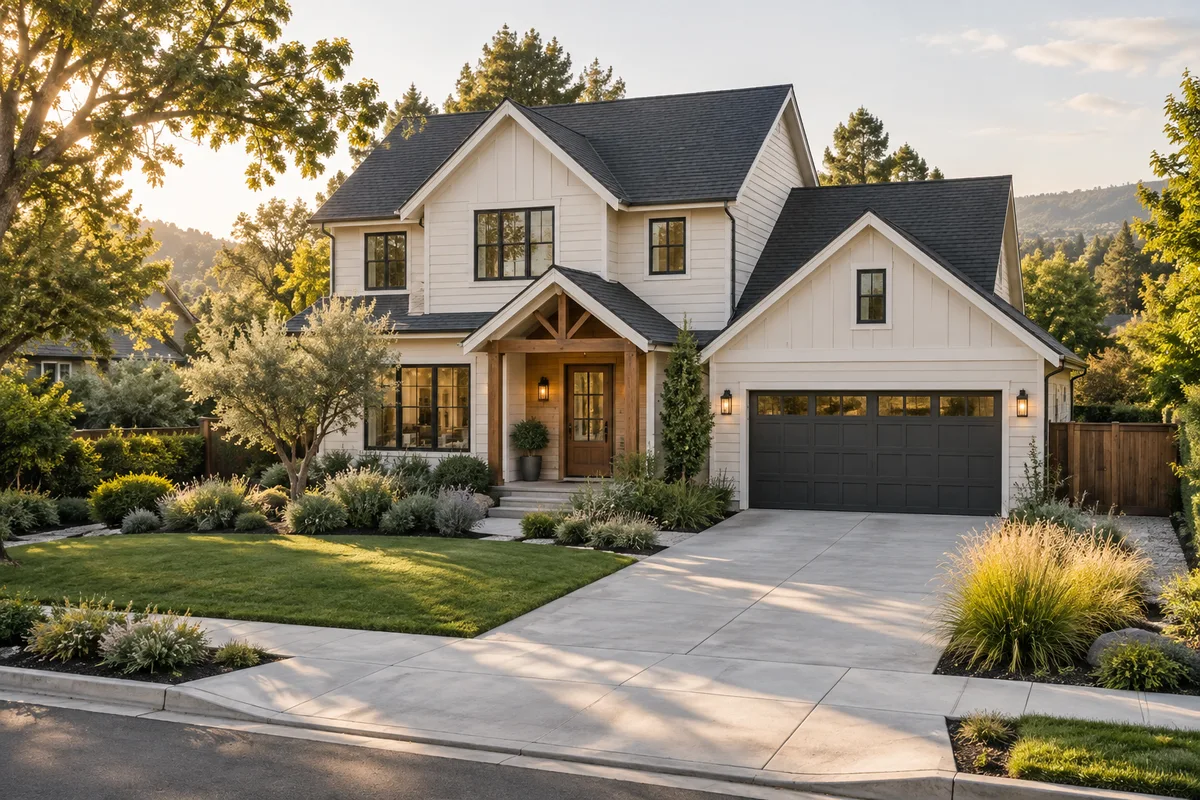
Write down whether the camera will not join the network, loses live view, misses uploads or records locally but cannot be reached remotely. Those symptoms can have different causes. A new extender will not fix a flat camera battery, an incompatible Wi-Fi band or a full memory card.
Pair the camera near the router first, following its manufacturer's instructions. Then test at its proposed mount with garage doors and exterior doors closed. Use the camera's connection indicator or diagnostics when available. A phone's Wi-Fi result is a useful first check, but its antenna and position differ from the mounted camera.
Put the extender where it can hear the router
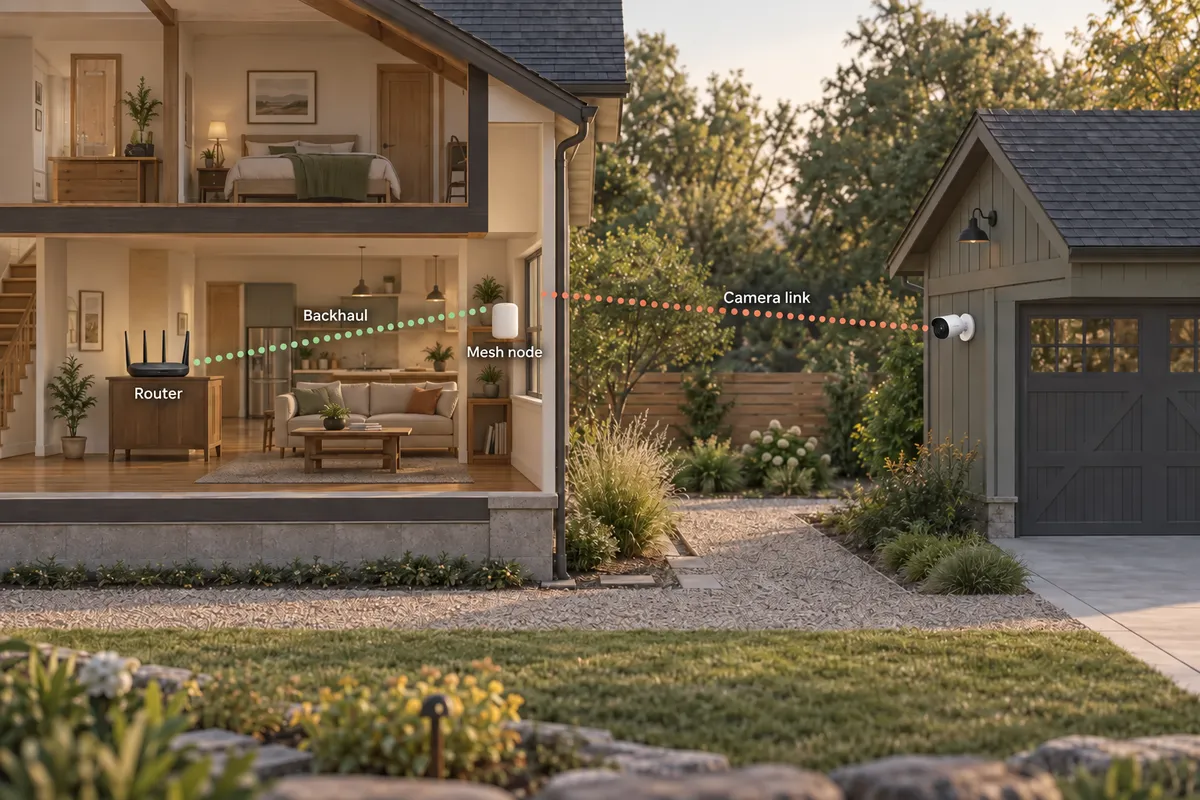
TP-Link's placement guidance recommends a position between the router and weak area while retaining a strong upstream signal. Treat a halfway position as a place to test, not a rule that overrides brickwork, foil insulation, metal siding or the shape of the property.
Try an indoor location on the garage-facing side of the house before moving equipment into the garage. Check the device's rated environment: an indoor extender is not automatically suitable for a damp, unheated outbuilding or an outdoor socket. The camera and the networking equipment have separate operating limits.
Compare four ways to reach the garage
| Option | When it is worth testing | What must work |
|---|---|---|
| Reposition the router or add an extender | One nearby weak area and a usable intermediate location | A stable router-to-extender link and a camera-compatible network |
| Compatible mesh node | You already use a mesh system and can place a node closer | The node's backhaul, not just the signal displayed beside the camera |
| Outdoor access point | You can provide its required power and network connection at a suitable exterior location | Outdoor rating, approved mounting and a reliable upstream connection |
| Installed cable or building-to-building link | Wireless trials fail or an important recording location needs a planned connection | A designed route, compatible equipment at both ends and installation appropriate to the buildings |
A mesh label does not remove the need for a good backhaul. An access point with wired backhaul also needs that cable: it does not create internet access on its own. A directional bridge between buildings is another installation project, not a plug-in repeater; ask an installer to assess the route and equipment if that is the direction you choose.
Check bands and setup requirements
Look up the exact camera's supported bands and security settings. Some use only 2.4 GHz; others support more than one band. Follow the camera and router instructions when pairing on a combined network. Do not assume every camera requires disabling 5 GHz, or that a separate network name fixes every connection issue.
Brand-specific accessories may only extend the supported manufacturer's devices. Check the accessory's compatibility list before buying it for a mixed system. Keep the home network's security settings supported by both devices; unsupported configuration is a setup problem, not evidence that more radio range is needed.
Test the actual job at the actual mount
- Temporarily position the camera safely at the intended height and orientation.
- Check live view and a recorded event, with doors in their usual position.
- Repeat when other household devices are using the network.
- Verify the extender or mesh node's upstream connection in its own app.
- Test again after moving just one component so you know what changed.
Use the outage matrix and Planner to distinguish a lost internet connection from a lost local network. Keep a short record of disconnections instead of judging the installation from one successful live view. If you need remote alerts during an internet outage, ordinary Wi-Fi equipment alone does not provide a backup internet connection.
When a cable is the better next step
For a camera that repeatedly loses its connection, compare the installation cost with continuing to add repeaters. PoE can carry camera power and network data over a compatible Ethernet connection, but the switch or recorder still needs power. Between separate buildings, have the cable route and outdoor installation assessed rather than treating any loose cable as a permanent solution.
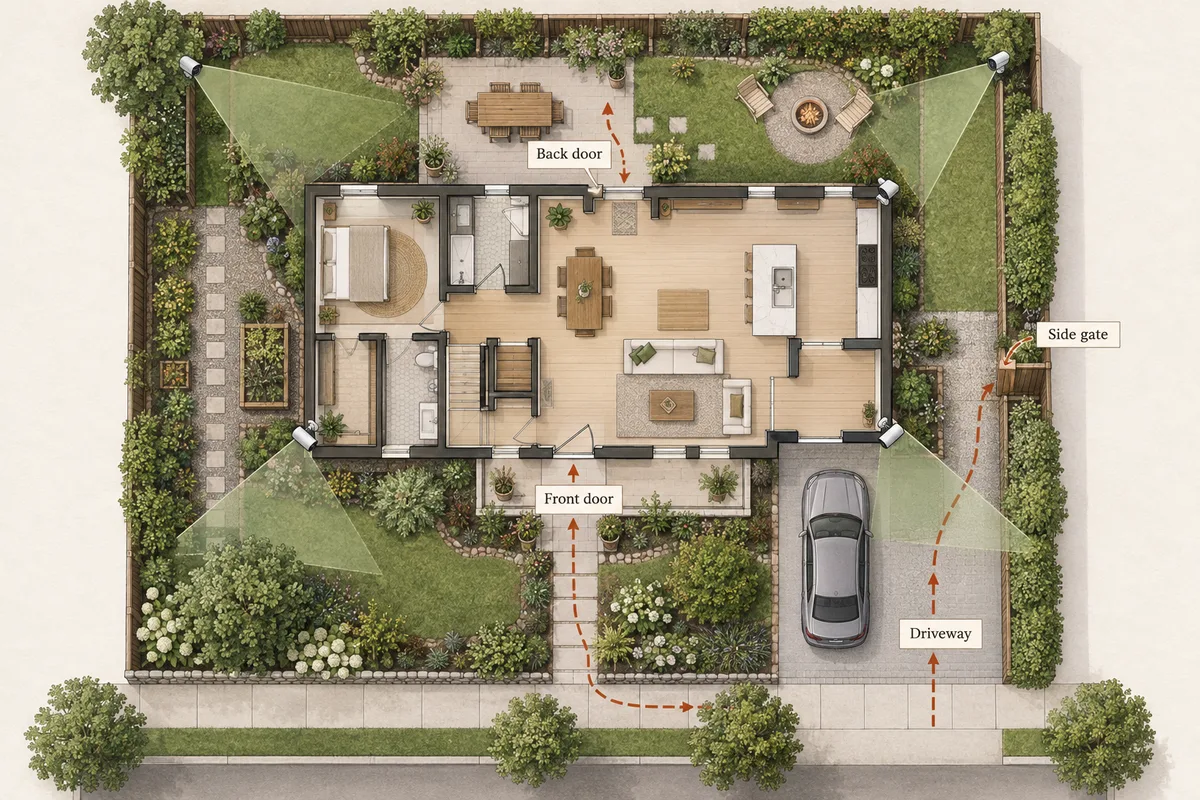
Our wired-versus-wireless guide separates power from data. Use the placement tool to choose the view first, then check connectivity at that location. Moving a camera until Wi-Fi works can leave the driveway approach outside its useful view.
Related questions
How far will an extender reach an outdoor camera?
There is no reliable universal distance. The building materials, placement, interference and hardware affect both links. Test the exact camera at its intended mount instead of using a distance alone as a pass.
Can I put a normal extender in a detached garage?
Only if its installation location meets its temperature, moisture and power requirements. Indoor equipment is not automatically suitable for an unheated or damp garage.
Is a mesh node always better than an extender?
No. A compatible mesh system can simplify management, but it still needs a good upstream connection. Position and backhaul matter more than the label alone.
Does a local-storage camera work when Wi-Fi fails?
Check its exact recording behavior. Local footage, alerts, remote playback and setup can have different network requirements. Test those functions separately.
MAKE IT FIT YOUR HOME
Choose your next step
Use the conditions from this guide as a starting point. Your current list stays in place while you compare.
CHOOSE DEVICES
One camera at a detached garage
Compare one camera, or open a detached-garage layout to check the approach and connection.
Compare in My list → Plan positions firstPLAN THE POSITIONS
Single-family home
Start with a detached house. Choose the closest layout and confirm your entrances before choosing a kit.
Open prefilled planner →Choose a bundle or individual devices, then add them to My list for compatibility checks and store links. A selected quantity is not a guarantee of coverage.
Sources & checks
- TP-Link: range extender placement and access-point mode
- TP-Link: mesh-node placement and backhaul checks
Guide checked 2026-09-16. Product prices and specifications have their own checked dates on each model page.