Answers · guide reviewed 2026-09-16 · updated 2026-09-17
Which smart lock works with Ring?
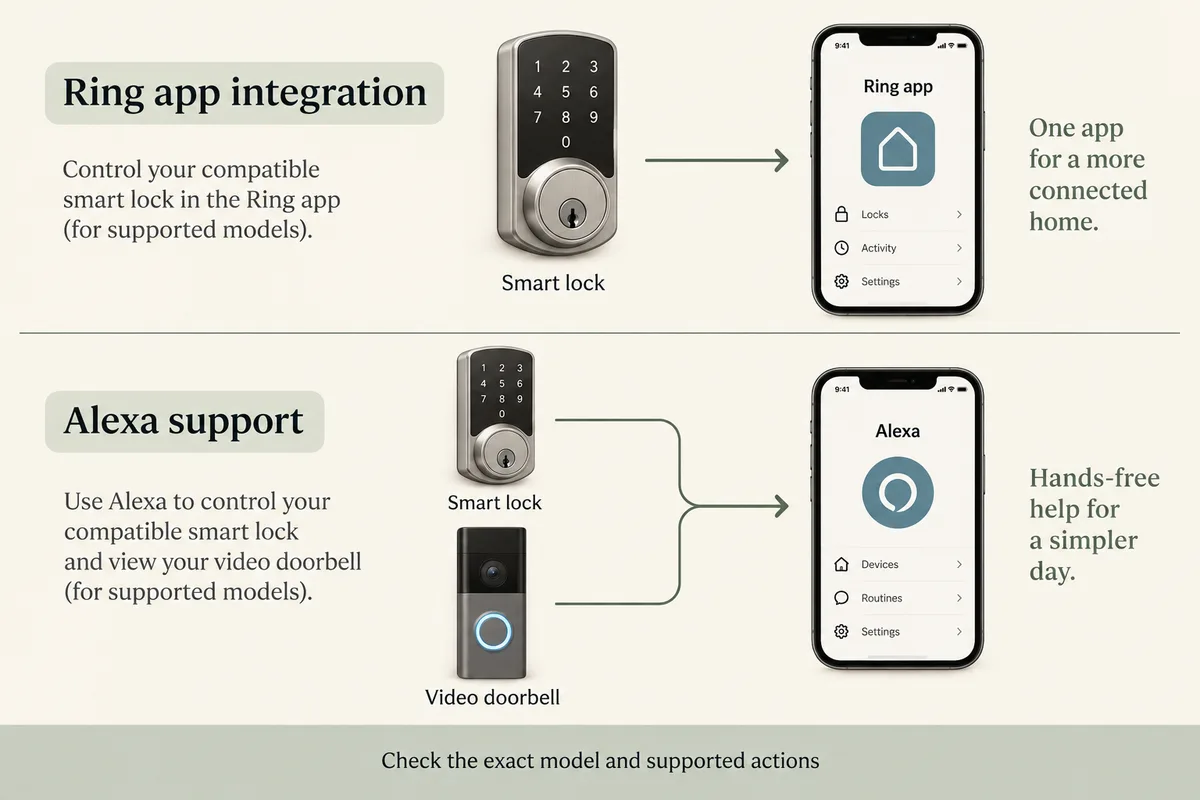
For a smart lock that works with Ring, first decide whether you want Ring app control, Ring Alarm integration or simply Alexa support. Ring documents app setup for Schlage Encode; its Works with Ring Alarm lock list requires an Alarm Base Station. A lock that supports Alexa is not automatically supported inside the Ring app. Match the exact model and the action you want.
By the How Many Cameras editorial team · Manufacturer specifications and planning estimates; not hands-on product tests.
Three meanings of “works with Ring”
| What you want | Evidence to look for | Equipment and setup |
|---|---|---|
| Lock controls in the Ring app | Ring publishes a Schlage Encode setup guide and product integration description. | A supported exact lock, its account setup and the Ring integration requirements. Follow the current support guide. |
| A lock connected to Ring Alarm | The exact model identifier appears on Ring's certified Alarm lock list. | Ring says an Alarm Base Station is required. A doorbell alone is not the base station. |
| Lock and doorbell available through Alexa | Each device separately supports the desired Alexa function. | Its own supported connection and account linking. This does not establish Ring app or Alarm compatibility. |
Model-specific starting points
Schlage Encode: Ring's support page describes linking the Schlage account from the Ring app. Its product listing also describes lock controls from Live View and requires a Ring doorbell or security camera for that integration. Some product-page copy still mentions an older setup route, so follow the current support instructions rather than mixing the two flows. Open our exact Encode model page.
Schlage Arrive: the manufacturer's page displays a Works with Ring badge. Treat that as a reason to check the Arrive-specific setup and supported actions, not proof that every Encode or Alarm feature applies. Open the Arrive specifications and manufacturer source.
Ring Alarm locks: use the official model list. It names model identifiers from Schlage, Kwikset and Yale and includes exceptions for some versions. A matching brand or family name is insufficient; compare the identifier on the product or package.
Catalog locks with Alexa listed
The models below have Alexa listed in our catalog. They are not presented as a Ring-compatible shortlist. Use their product pages to check the manufacturer's supported actions, required bridges and exact variants. Missing information is a reason to verify, not a pass.
| Model | Catalog connection | What remains to check |
|---|---|---|
| eufy Smart Lock C220 | Built-in Wi-Fi | Exact Alexa actions; Ring support separately |
| eufy FamiLock S3 Max | Built-in Wi-Fi | Exact Alexa actions; Ring support separately |
| eufy Video Smart Lock S330 | Built-in Wi-Fi | Exact Alexa actions; Ring support separately |
| eufy Video Smart Lock E330 | Built-in Wi-Fi | Exact Alexa actions; Ring support separately |
| Aqara Smart Lock U400 | Thread | Exact Alexa actions; Ring support separately |
| Aqara Smart Lock U200 | Thread | Exact Alexa actions; Ring support separately |
| SwitchBot Lock Ultra | Bridge | Exact Alexa actions; Ring support separately |
| Schlage Encode Plus Smart WiFi Deadbolt | Built-in Wi-Fi | Exact Alexa actions; Ring support separately |
| Schlage Encode Smart WiFi Deadbolt | Built-in Wi-Fi | Exact Alexa actions; Ring support separately |
| Schlage Arrive Smart WiFi Deadbolt | Built-in Wi-Fi | Exact Alexa actions; Ring support separately |
| Yale Approach Lock with Wi-Fi and Keypad Touch | Built-in Wi-Fi | Exact Alexa actions; Ring support separately |
| Wyze Lock Bolt v2 | Built-in Wi-Fi | Exact Alexa actions; Ring support separately |
| Wyze Palm Lock | Built-in Wi-Fi | Exact Alexa actions; Ring support separately |
| Level Bolt (Matter) | Bridge | Exact Alexa actions; Ring support separately |
| TP-Link Tapo DL110 Fingerprint Lock | Built-in Wi-Fi | Exact Alexa actions; Ring support separately |
| Lockly Flex Touch Pro (retrofit) | Bridge | Exact Alexa actions; Ring support separately |
Check the door, connection and action
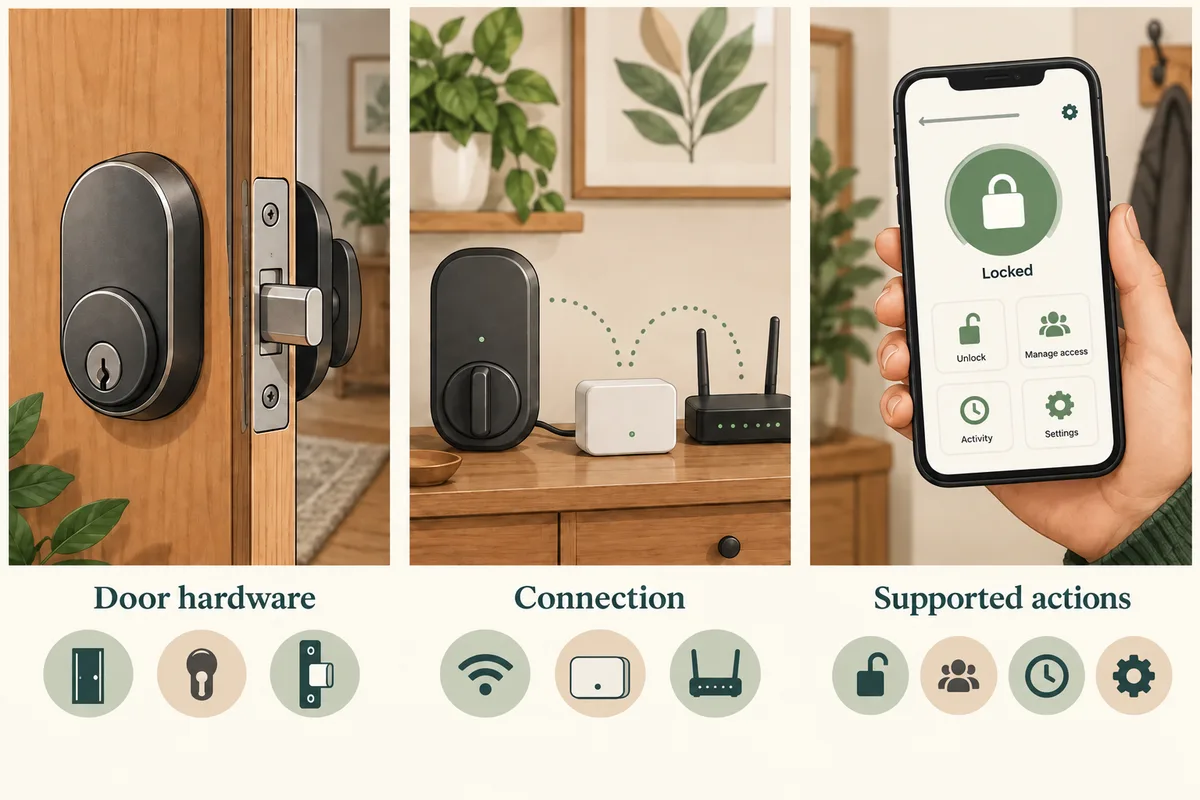
- Write down the current equipment. Include the exact Ring doorbell, any Alarm Base Station, the lock model and an existing bridge or hub.
- Name the action. Viewing the lock status, locking from Live View and disarming an alarm are different requests. Check each one in official documentation.
- Confirm the hardware. Check door dimensions, deadbolt type, handedness where relevant and the lock's installation instructions. A wireless integration does not establish physical fit.
- Check the account and region. Confirm that the integration is available for your account and location, and follow the documented account-linking flow.
- Review costs and recovery. Check any required equipment or service for the chosen functions, how access works when the connection fails, and how you will maintain batteries or keys.
Keep doorbell recording separate
A compatible lock does not make doorbell recordings free. Likewise, a camera subscription does not make an unsupported lock compatible. Review the camera's video-history terms and the lock integration independently. Our recording guide helps you compare that part of the setup.
If you are renting, start with the no-drill entrance guide and confirm permission for any lock change. If you are planning a larger system, use the camera planner for placement and device choices; use the exact-model evidence above for Ring lock functions.
Building around Apple Home instead? Use the HomeKit outdoor camera guide to check live view, Secure Video and hub requirements. For the entrance recording itself, compare doorbells with local storage.
Related questions
Does any Alexa smart lock work in the Ring app?
No. Alexa support and Ring app integration are separate capabilities. Check the exact lock, the official account-linking instructions and the supported actions.
Does a Ring doorbell replace a Ring Alarm Base Station?
No. Ring's certified Alarm lock list explicitly requires an Alarm Base Station. Owning a Ring camera or doorbell alone does not provide that connection.
Which Schlage lock has a documented Ring setup?
Ring publishes a setup guide for Schlage Encode. Schlage also displays a Works with Ring badge on its Arrive page. Confirm the exact model, current setup path and functions; do not transfer Encode instructions to a different model.
Can I disarm Ring Alarm by unlocking any compatible lock?
Do not assume that. App lock control, Alarm integration and automation are different functions. Check the official instructions, equipment and any plan requirements for that exact action.
Do I need a subscription?
Check the function you need. Video history, lock control, remote Alarm actions and automations can have different requirements. A lock compatibility badge does not answer every subscription question.
MAKE IT FIT YOUR HOME
Choose your next step
Use the conditions from this guide as a starting point. Your current list stays in place while you compare.
CHOOSE DEVICES
Compare the documented lock models
Review Schlage Encode and Arrive from this guide, then add the exact lock you want to investigate.
Compare in My list →CHOOSE DEVICES
I want Alexa lock control
Compare catalog locks with Alexa listed. Alexa support alone does not establish Ring app or Ring Alarm support.
Compare in My list →Choose a bundle or individual devices, then add them to My list for compatibility checks and store links. A selected quantity is not a guarantee of coverage.
Sources & checks
- Ring: current Schlage Encode account-linking instructions
- Ring: Schlage Encode integration features and requirements
- Ring: certified Alarm locks and exact model identifiers
- Schlage Arrive: manufacturer's Works with Ring badge and product details
Guide checked 2026-09-16. Product prices and specifications have their own checked dates on each model page.